Is It Safe to Save My Card on My Phone?
In today’s fast-paced world, many of us prefer the convenience of using our phones to pay for everything from groceries to concert tickets. The rise of digital wallets and saved payment methods has transformed checkout experiences, making it easier and faster than ever to complete purchases. But this convenience often raises a critical question:
Is it really safe to save your card information on your phone?
In this in-depth post, we’ll explore the security aspects of saving your card on a mobile device, how modern phone-first checkout expectations are shaping our shopping habits, the role of biometric authentication in reducing friction while maintaining payment security, and the key features you can leverage—like screen lock and device tracking—to protect your data.
Phone-First Checkout Expectations: Why Saving Your Card is Becoming Standard
Over the past decade, smartphones have evolved from communication gadgets to powerful payment tools. For many users, especially younger generations, the expectation is that checkout should be seamless, mobile-friendly, and fast. This has pushed e-commerce and brick-and-mortar stores alike to adopt digital wallets and saved payment methods as a baseline.
Saving card information on your phone allows you to:
- Skip typing out long card numbers during checkout
- Benefit from one-tap or biometric authentication payment approvals
- Use NFC or QR-based payment systems without needing your physical card
According to a 2023 consumer study from PXPay, over 70% of mobile shoppers prefer to use a saved payment method because it reduces checkout time by approximately 50%. That means faster purchases, less cart abandonment, and fewer typos—translating directly into better user experience.
Digital Wallets and Saved Payment Methods: What Are They and How Do They Work?
Digital wallets like Apple Pay, Google Wallet, Samsung Pay, and many banking apps provide a secure way to store your payment cards, transit passes, loyalty cards, and more on your smartphone. Instead of storing your card number directly on apps or websites, you save them to a wallet provider that encrypts and secures this data.
Here’s a breakdown of how they generally work:
- Card Enrollment: You manually add your Visa, Mastercard, or American Express card information to the wallet or link your bank account.
- Tokenization: Instead of using the real card number during transactions, the wallet generates a unique digital token specific to your device and transaction.
- Authentication: For each purchase, you verify your identity, often using biometrics like fingerprint or facial recognition, or a secure PIN.
- Transaction: The tokenized payment information is sent securely to the merchant, preventing exposure of your actual card details.
This system protects your sensitive data far better than typing card details manually into multiple websites and apps.
Saved Payment Methods vs. Digital Wallets
It’s helpful to distinguish between:
- Saved payment methods: When apps or websites store your card information for future purchases. This typically happens through their own backend, sometimes using a third-party PCI-compliant payment processor.
- Digital wallets: Third-party apps that centralize your cards and payment credentials, offering additional security layers and tokenization to mask your real card number during purchases.
While both approaches offer convenience, digital wallets usually provide stronger security guarantees, including device-specific tokens and biometric authentication by default.
Mobile UX: Fewer Steps with Clear Totals Build Trust
A seamless checkout experience on mobile depends on reducing user friction. Saving your card or using a digital wallet drastically cuts down the number of steps needed to complete a transaction. Instead of typing every digit and verifying your billing address repeatedly, you tap and authenticate.
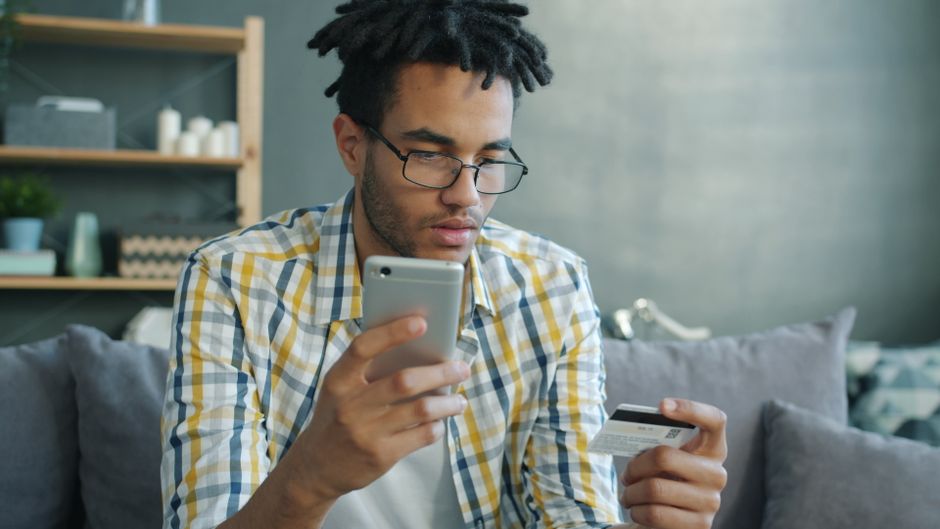
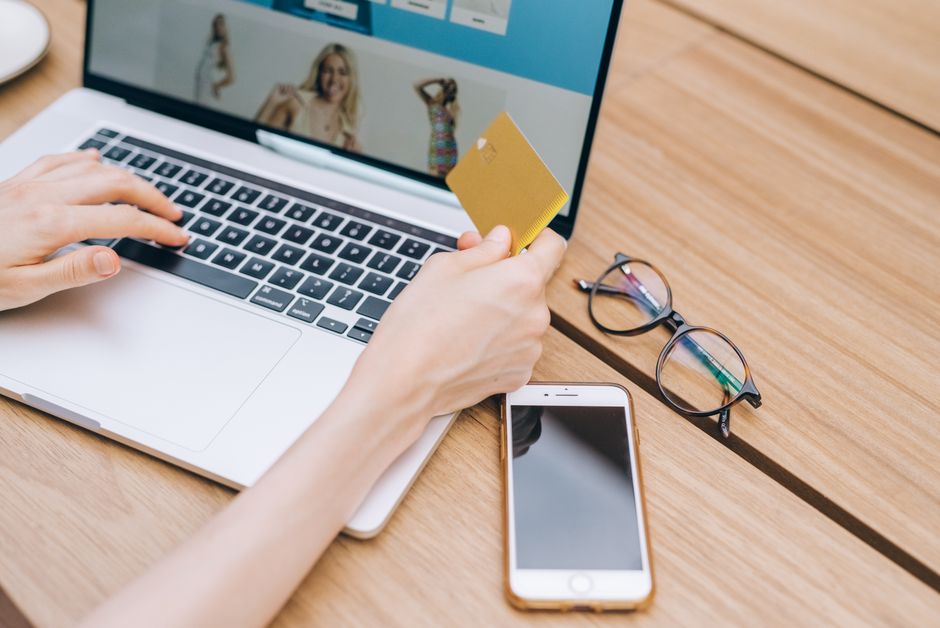
But fewer steps don’t mean users should lose oversight. The best mobile checkout flows clearly present the total cost, including taxes and shipping, before you confirm payment. This transparency is critical: users feel safe when they see exactly what they’re paying for without hidden charges cropping up after hitting “buy.”
App developers and merchants are increasingly improving this balance—fast checkout with clear, upfront totals—so that users don’t have to trade convenience for trust.
Biometrics: Reducing Friction While Enhancing Payment Security
Biometric verification—using either fingerprint scans or facial recognition—has become a cornerstone of mobile payment security. These methods:
- Unlock your device quickly with secure, individualized identifiers
- Authorize payments without needing to remember or enter a password or PIN manually
- Ensure payments can only be made by you, preventing fraudulent use in case your phone is lost or stolen
For example, Apple Pay requires Touch ID or Face ID every time you authorize a payment, adding a layer of protection beyond just having your phone unlocked. Android’s Google Wallet works similarly with fingerprint or screen lock verification.
Biometrics vs. Traditional PIN Codes
Aspect Biometrics PIN/Password Speed Instant, near-zero friction Slower, requires manual input Security High—harder to guess or steal Varies—can be guessed, shared, or phished Convenience Very high, encourages usage Moderate—may cause frustrationKey Security Features to Keep Your Saved Card Data Safe
Even with the best technology, your personal habits and device settings play a huge role in payment security. Here are the crucial features you should enable if you Great post to read save your card on your phone:
1. Enable a Strong Screen Lock
Your phone’s screen lock is the first and most important defense. Use a robust PIN, passcode, or biometric lock. Avoid simple 4-digit pins or swipe patterns that are easy to guess. It's especially critical because if someone gets past your screen lock, they may access your saved wallets and payment apps.
2. Activate Device Tracking and Remote Wipe Features
Enable device tracking tools like Apple’s “Find My iPhone” or Google’s “Find My Device.” These services allow you to locate, lock, or remotely erase your phone if it’s Find more info lost or stolen, preventing unauthorized access.
3. Keep Your Operating System and Apps Updated
Manufacturers regularly patch vulnerabilities. Running current OS versions and wallet app updates ensures you benefit from the latest security enhancements and features.
4. Avoid Storing Card Details on Multiple Apps
Minimize the number of places you save your cards. Focus on using well-vetted, popular digital wallets rather than enabling saved payment methods across numerous apps and websites.
5. Monitor Your Statements
Regardless of how secure your phone is, regularly check your Visa, Mastercard, or Amex statements. Immediate reporting of suspicious charges allows your bank to act fast and limit fraud.
Common Concerns About Saving Cards on Phones—and the Reality
Concern: “If my phone is stolen, the thief can use my saved cards.”
Reality: The combination of screen lock and biometric authentication makes unauthorized access challenging. Wallet apps also often require user identity confirmation for each payment, not just unlocking the device.
Concern: “Apps or websites might leak my card details.”
Reality: Using well-known digital wallets drastically reduces this risk because they never expose your actual card numbers, only tokens. However, saving cards directly on lesser-known apps can be riskier unless they use PCI-compliant payment processors.
Concern: “Hackers might remotely access stored cards.”
Reality: Mobile OS sandboxes and wallet security protocols make remote hacking of saved cards very difficult. Keeping software up-to-date and avoiding suspicious apps lowers risk further.
The Bottom Line: Is It Safe?
Saving your card on your phone is generally safe if you take advantage of modern security features:
- Use a strong screen lock and biometrics
- Enable device tracking and remote wipe
- Rely on reputable digital wallets that use tokenization
- Keep your OS and payment apps updated
- Monitor your payment activity regularly
With these precautions, saved cards on mobile phones offer a secure, frictionless checkout experience that aligns with today’s phone-first buying expectations. Convenience no longer needs to come at the cost of security.
Final Tips for Payment Security on Mobile
- Always prefer official wallet apps such as Apple Pay or Google Wallet over less-known third-party payment apps.
- Limit saved card usage to trusted merchants or apps.
- Consider enabling two-factor authentication (2FA) on your payment apps for an extra layer of protection.
- Use virtual cards or single-use card numbers if your bank or app supports them to reduce exposure.
- Be vigilant and report suspicious activity immediately to your card issuer.
By understanding how digital wallets protect your card data behind the scenes and adopting smart security habits, you can enjoy the full benefits of mobile payments with confidence.